Smart Project Processing
Pleexy intelligently converts your Basecamp to-dos and project items into structured Todoist tasks while preserving team context, deadlines, and project relationships.

Bridge your comprehensive Basecamp project management with Todoist's powerful personal task execution. Perfect for team members who need seamless workflow between collaborative projects and individual productivity.
No credit card required - Sync projects instantly.
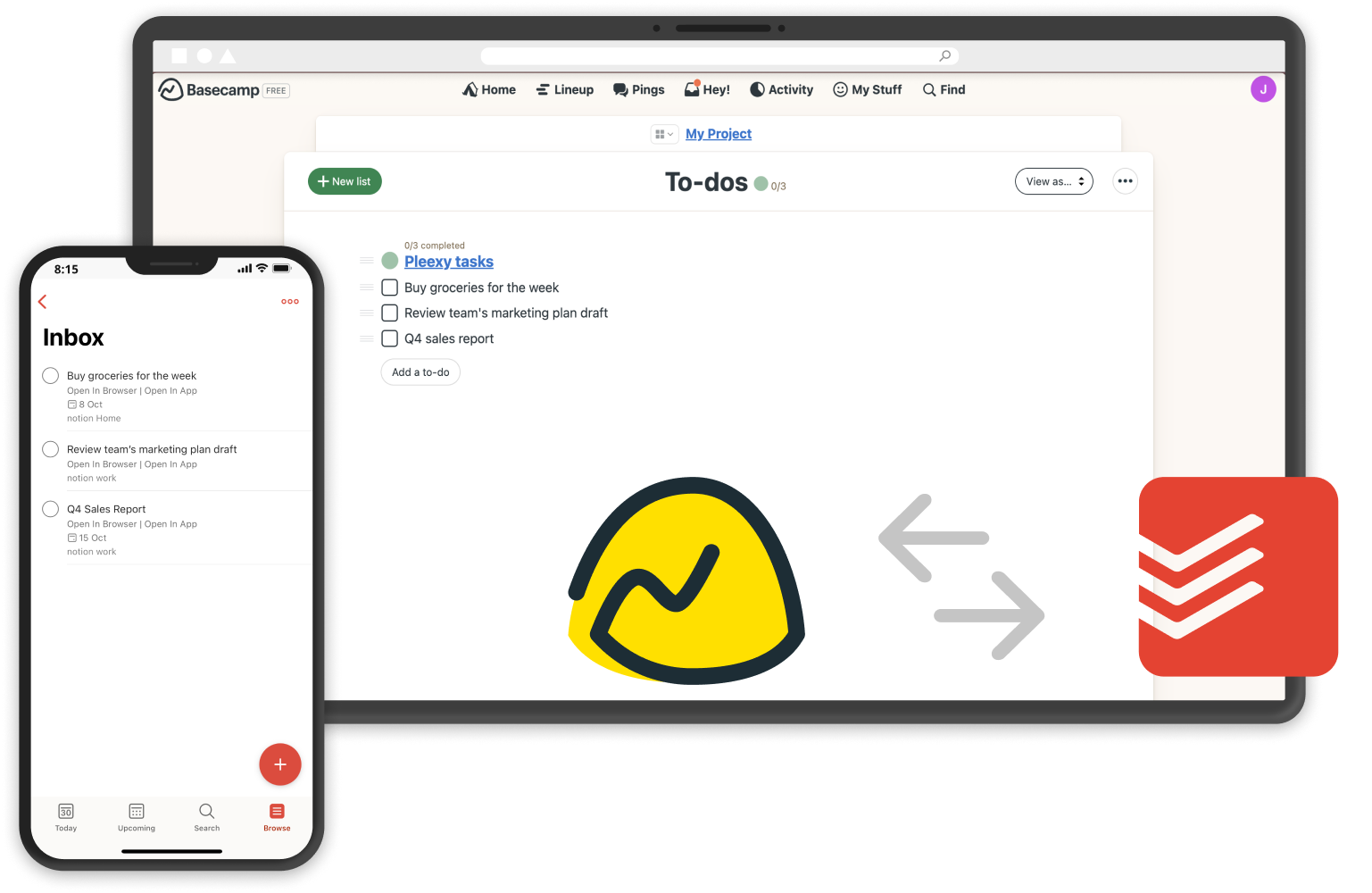
Pleexy intelligently converts your Basecamp to-dos and project items into structured Todoist tasks while preserving team context, deadlines, and project relationships.
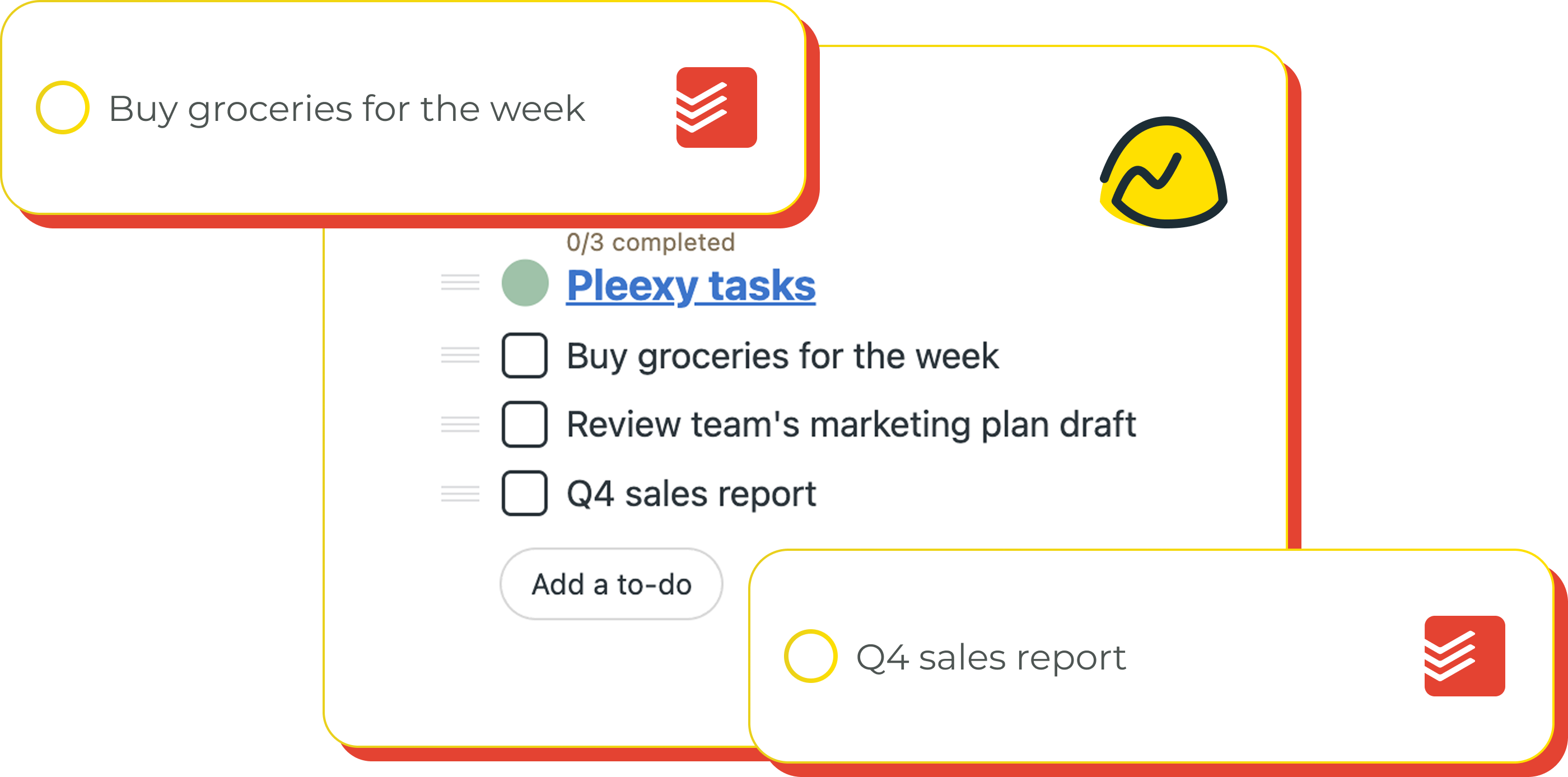
Each relevant Basecamp project item becomes a focused Todoist task with complete team context, making it easy to manage personal responsibilities within collaborative projects.
Updates flow seamlessly between platforms, ensuring your team collaboration and personal task execution stay perfectly aligned throughout project lifecycles.
Control which Basecamp projects and to-dos sync to Todoist with powerful filtering by project, assignee, due date, and completion status for focused personal workflows.
"I envisioned that Todoist would be my primary daily driver, and Pleexy was the only connector out there that supported all my sources. It was seamless to implement, and I was getting results out of it on the first day!"
Alexander B. · Owner, Veterinary · Capterra
From team collaboration to personal execution
1
Connect your Todoist account with Pleexy
2
Link your Basecamp workspace
3
Select which Basecamp projects and to-dos to sync
4
Experience seamless project-to-task workflow
How Pleexy connects Basecamp and Todoist
No credit card required · Set up in 10 minutes.
Automatically convert Basecamp to-dos into Todoist tasks. Choose to sync all projects or filter by specific assignments, due dates, or team responsibilities.
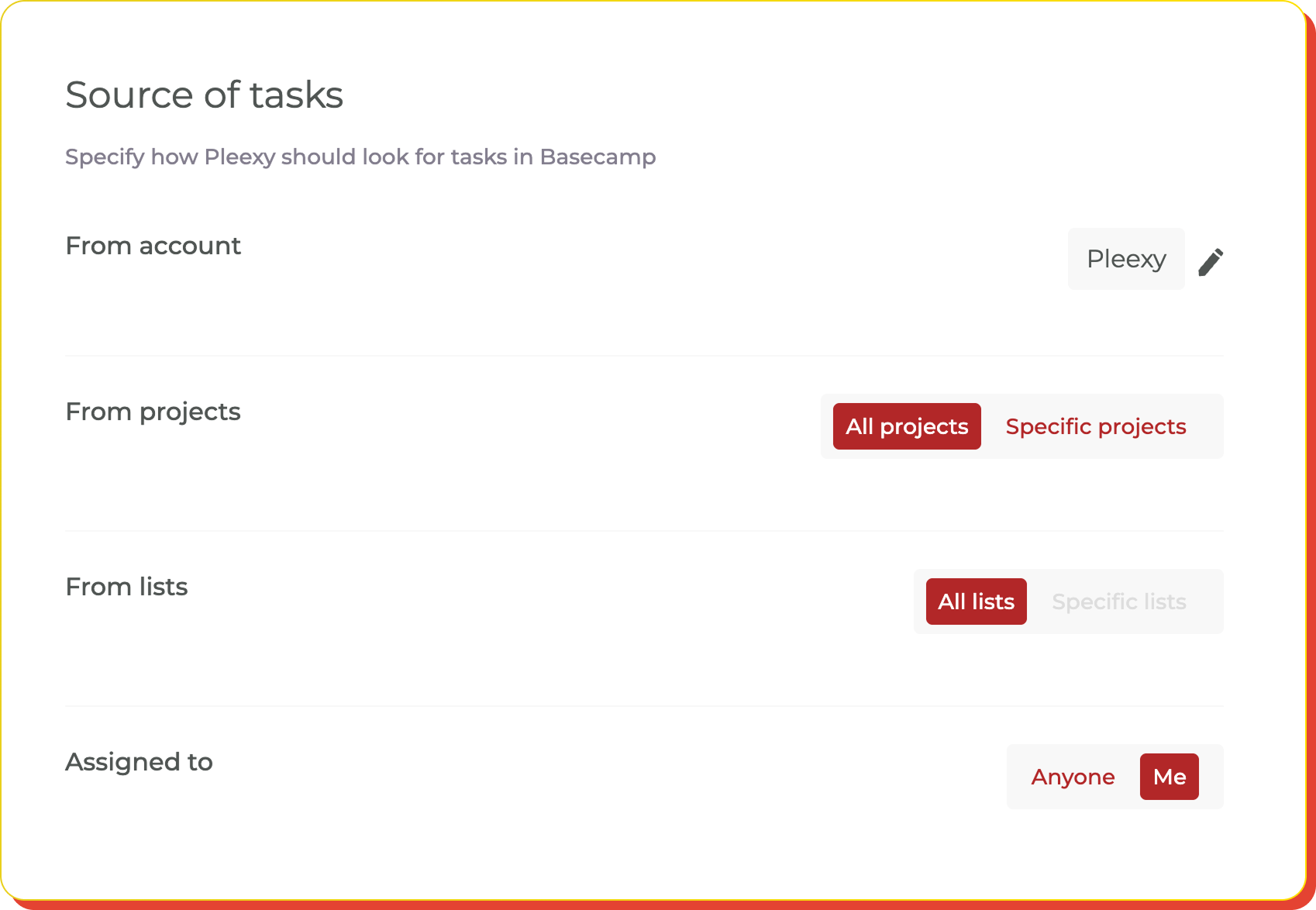
Filter by project, assignee, task age, or account. Set parameters to sync only relevant team assignments and maintain focused task lists.
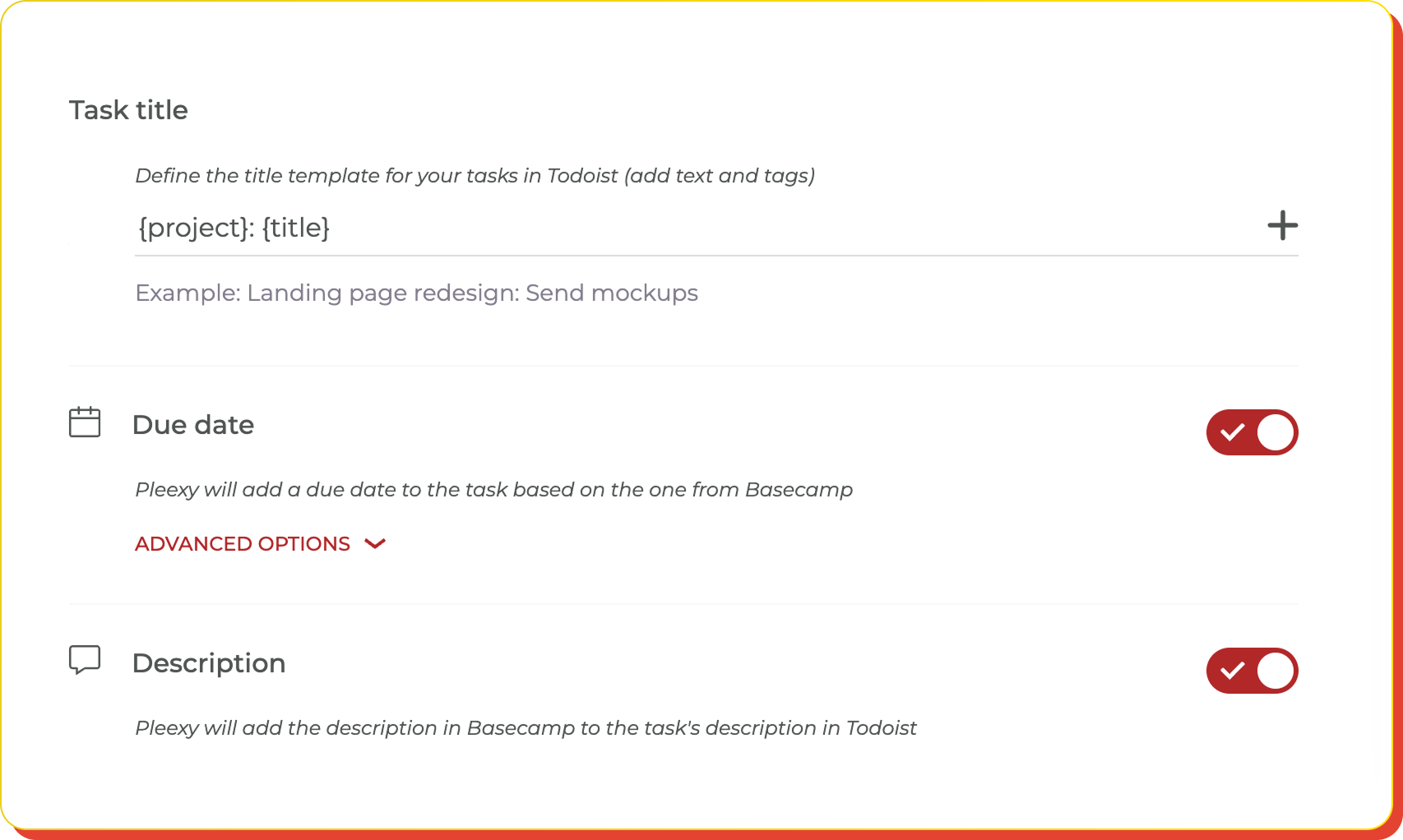
Design title format, map due dates, sync descriptions, and preserve Basecamp context and team relationships in your tasks.
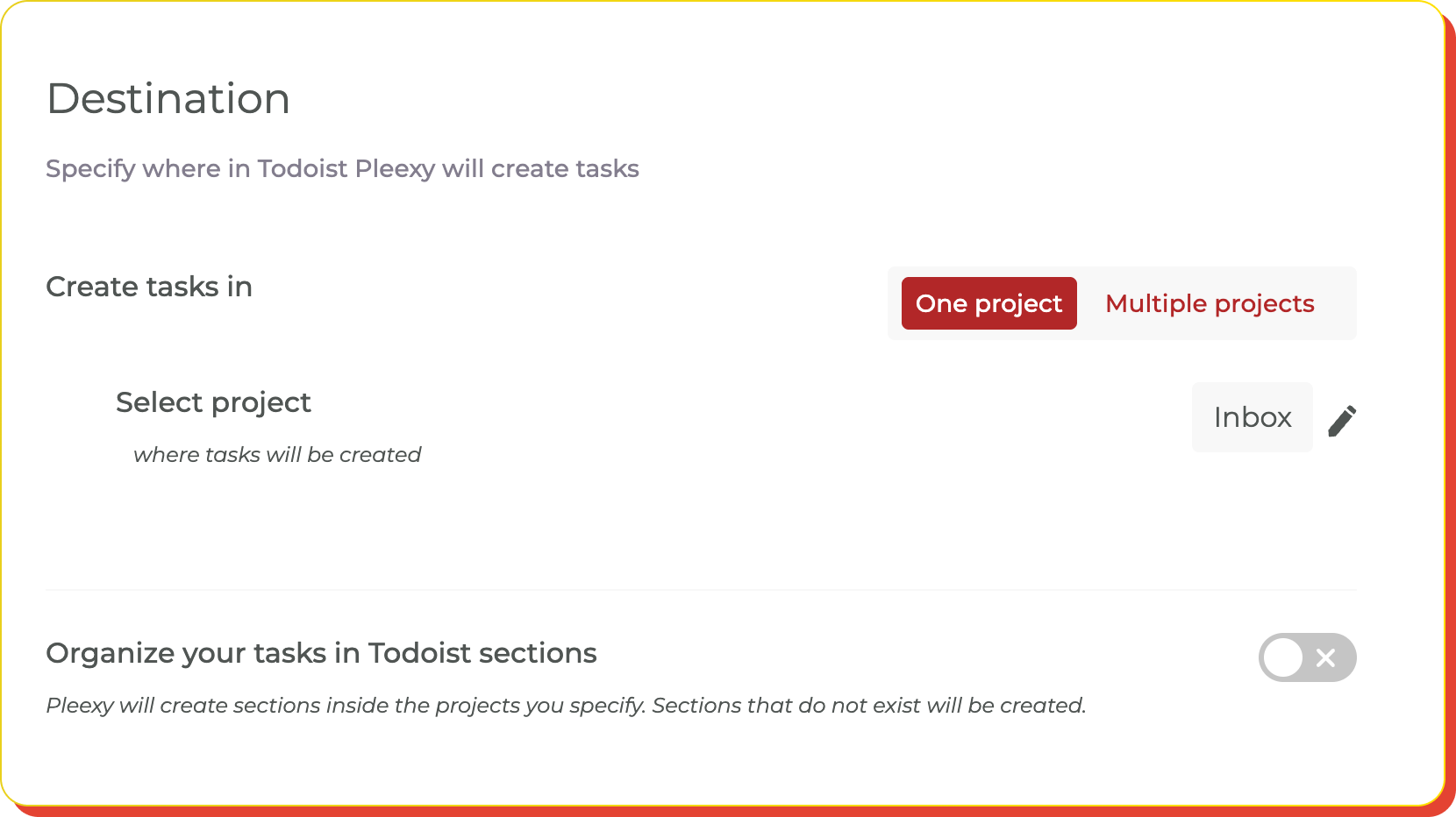
Map Basecamp projects to specific Todoist projects and organize team-based tasks to match your personal productivity workflow and project structure.
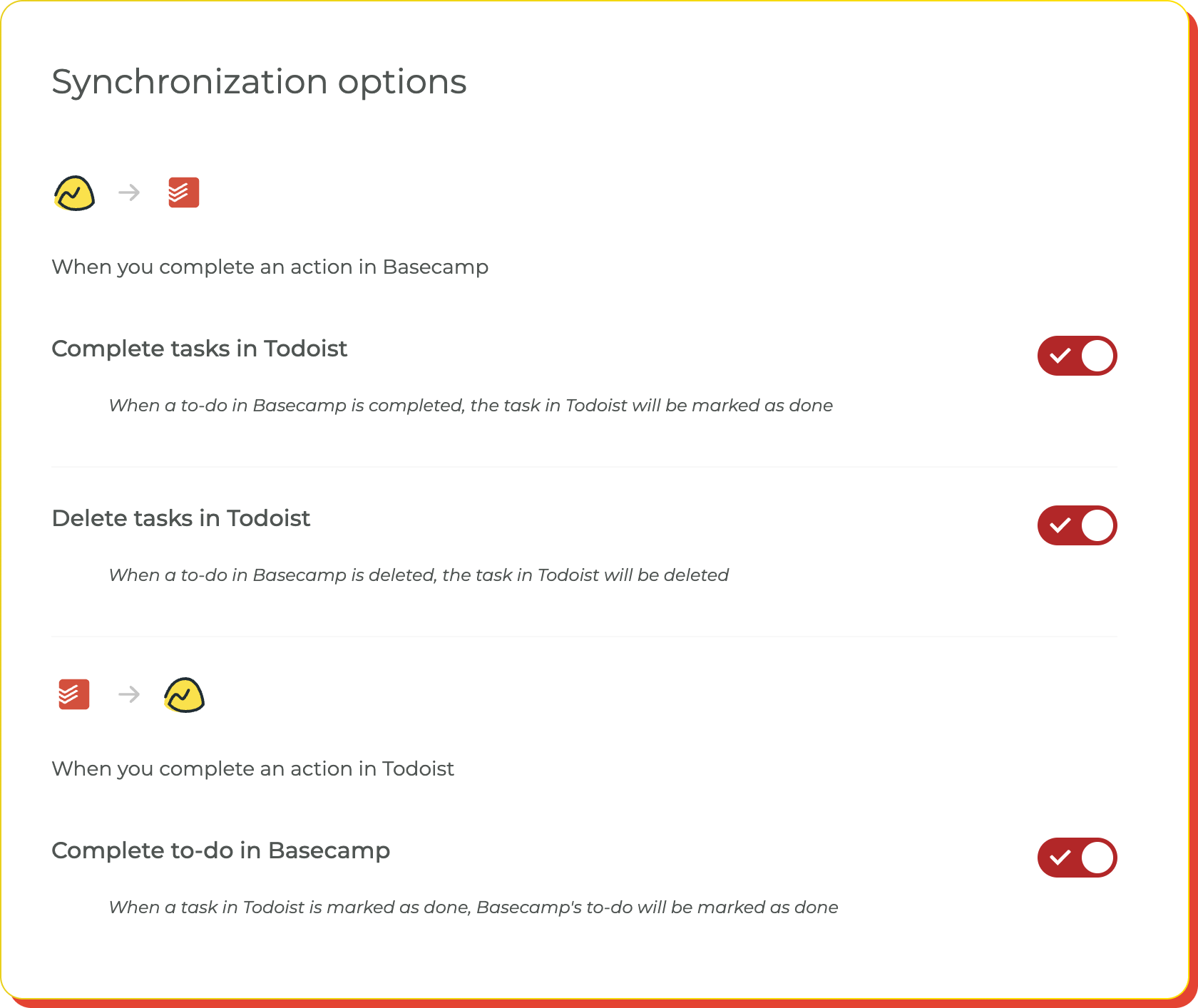
Control completion syncing, assignment updates, comment handling, and how Basecamp project changes affect your Todoist personal workflow.
Transform your team collaboration into personal productivity excellence
No credit card required · Save hours every week.

Bridge comprehensive project collaboration with focused personal execution
You collaborate on projects in Basecamp but struggle to integrate team assignments into your personal Todoist workflow, causing important deadlines to get missed in context switching.
You waste time manually copying Basecamp to-dos into Todoist, often losing team context, project relationships, or missing critical updates and deadline changes.
Your team collaboration exists separately from your personal task execution, making it difficult to balance project responsibilities with individual productivity goals.
Your Basecamp project assignments automatically appear in Todoist, creating a seamless workflow from comprehensive team collaboration to focused personal task execution.
Team-based tasks flow into Todoist with complete project context preserved, including deadlines, assignees, and team relationships for informed personal execution.
With project assignments integrated into Todoist, you can manage team responsibilities alongside personal tasks while maintaining connection to comprehensive Basecamp collaboration.
This integration creates a seamless bridge between Basecamp's comprehensive project management and Todoist's powerful personal task execution. Pleexy automatically converts your Basecamp to-dos and project assignments into structured Todoist tasks while preserving team context, deadlines, and project relationships.
Once connected, your Basecamp assignments appear in Todoist where you can manage them alongside personal tasks and daily planning. You can customize which projects and assignments sync and how they're organized within your Todoist workflow.
Complete control! Pleexy offers comprehensive filtering options including project selection, assignee-based filtering, due date criteria, completion status rules, and project category filtering. You can sync only the team assignments that are relevant to your personal Todoist workflow.
Absolutely! Pleexy maintains real-time synchronization between Basecamp and Todoist. When you complete a task in Todoist, the corresponding Basecamp to-do is updated, and vice versa. This keeps both your team collaboration and personal execution systems perfectly aligned.
Your free trial provides complete access to all Pleexy features for 14 days, no credit card required. If you don't subscribe before the trial ends, your connections will be paused for 2 weeks, after which your data will be removed from our platform.
We offer a 30-day money-back guarantee. If you're not satisfied within 30 days of your first purchase, contact our support team through the in-app chat for a full refund according to our refund policy.

No credit card needed. Choose your task manager to begin.
By signing up, you agree to Pleexy's Terms of service.
Already have an account? Log in


