Smart Ticket Recognition
Pleexy intelligently converts your Zendesk tickets and assignments into structured Microsoft To Do tasks while preserving customer context, priority levels, and ticket relationships.

Bridge your comprehensive Zendesk ticket management with Microsoft To Do's intelligent task execution. Perfect for support agents who need seamless workflow between customer tickets and Microsoft's productivity ecosystem.
No credit card required - Sync tickets seamlessly.
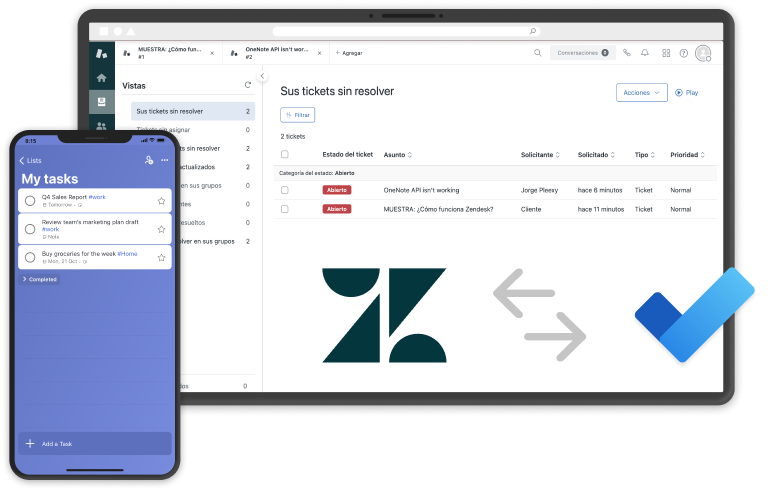
Pleexy intelligently converts your Zendesk tickets and assignments into structured Microsoft To Do tasks while preserving customer context, priority levels, and ticket relationships.
Each relevant Zendesk ticket becomes an organized Microsoft To Do task with complete customer context, seamlessly integrating with your Microsoft productivity ecosystem.
Updates flow seamlessly between platforms, ensuring your ticket management and Microsoft task execution stay perfectly aligned throughout customer interactions and resolutions.
Control which Zendesk tickets sync to Microsoft To Do with powerful filtering by Zendesk views, organizations, ticket types, statuses, or assignee for focused Microsoft workflows.
"Excellent product and team is very pro-active in trying to alerting to potential issues before I raise them and kept me posted on the progress."
Daniel N. · Self, Computer Software · Capterra
From customer support to Microsoft execution
1
Connect your Microsoft To Do account with Pleexy
2
Link your Zendesk workspace
3
Select which Zendesk tickets and views to sync
4
Experience seamless ticket-to-Microsoft task flow
How Pleexy connects Zendesk and Microsoft To Do
No credit card required · Set up in 10 minutes.
Automatically convert Zendesk tickets into Microsoft To Do tasks.
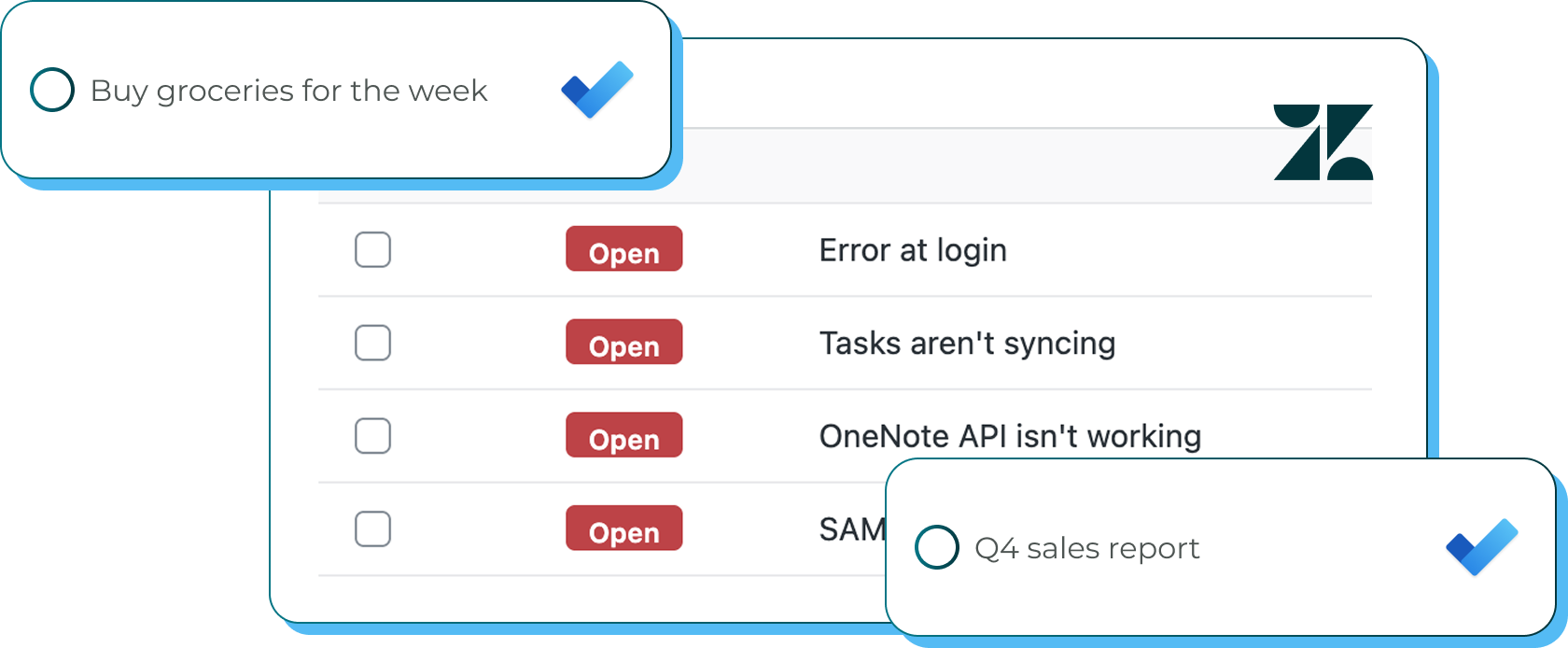
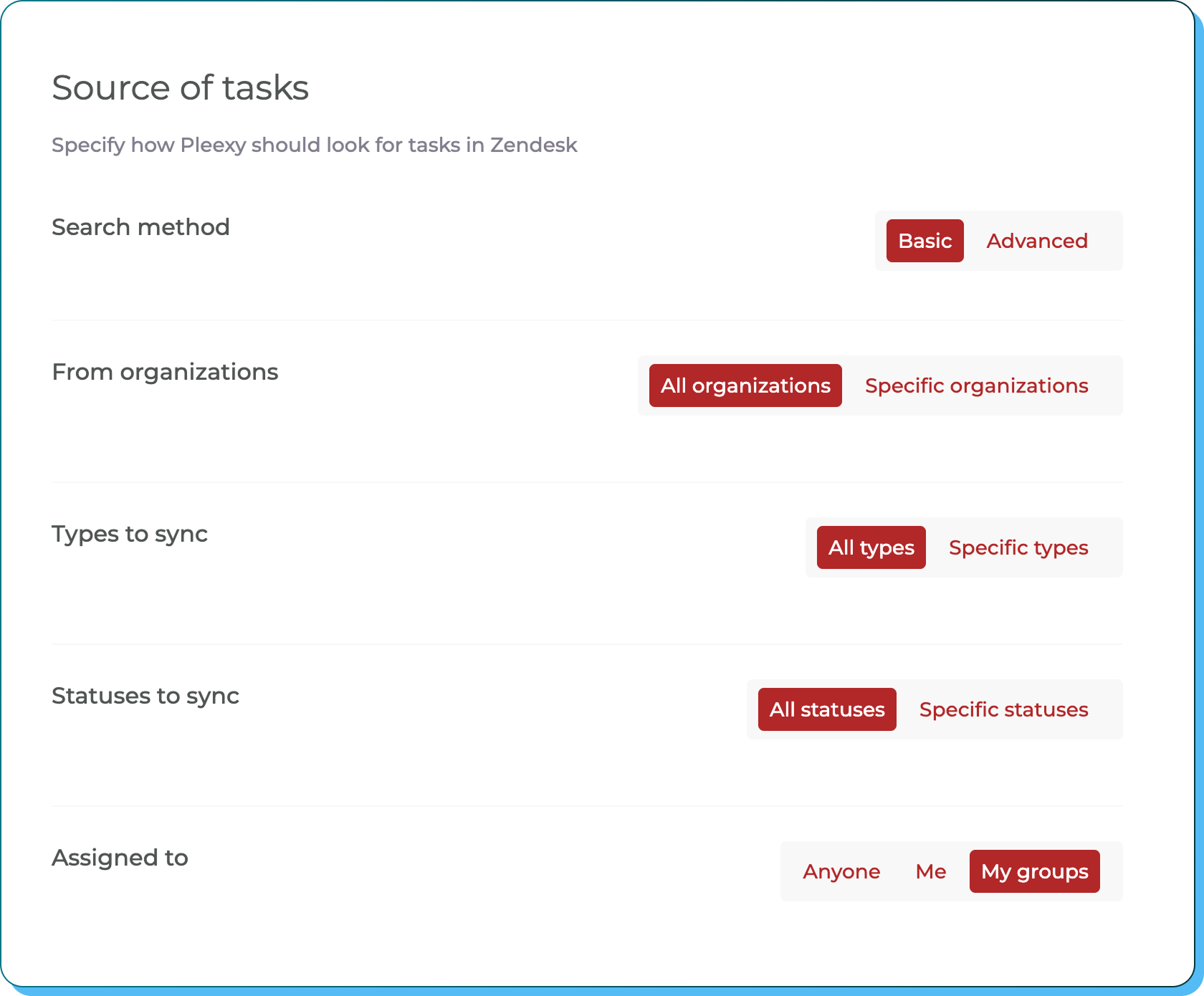
Filter by Zendesk views, organizations, ticket types, statuses, or assignee. Set parameters to sync only relevant support tickets and maintain organized Microsoft lists.
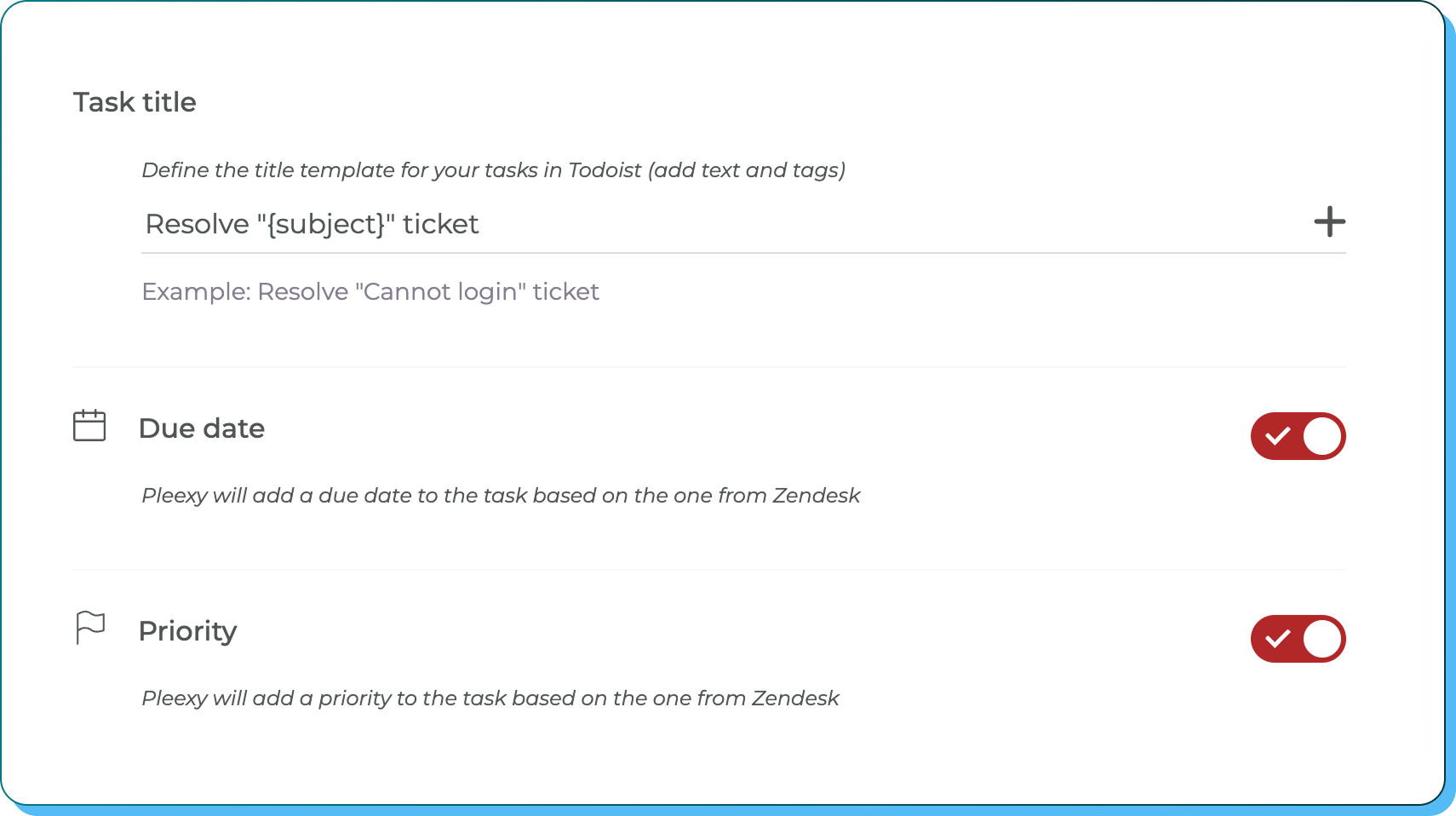
Design title formats, map due dates, assign importance levels and preserve Zendesk context and customer information in your Microsoft tasks.
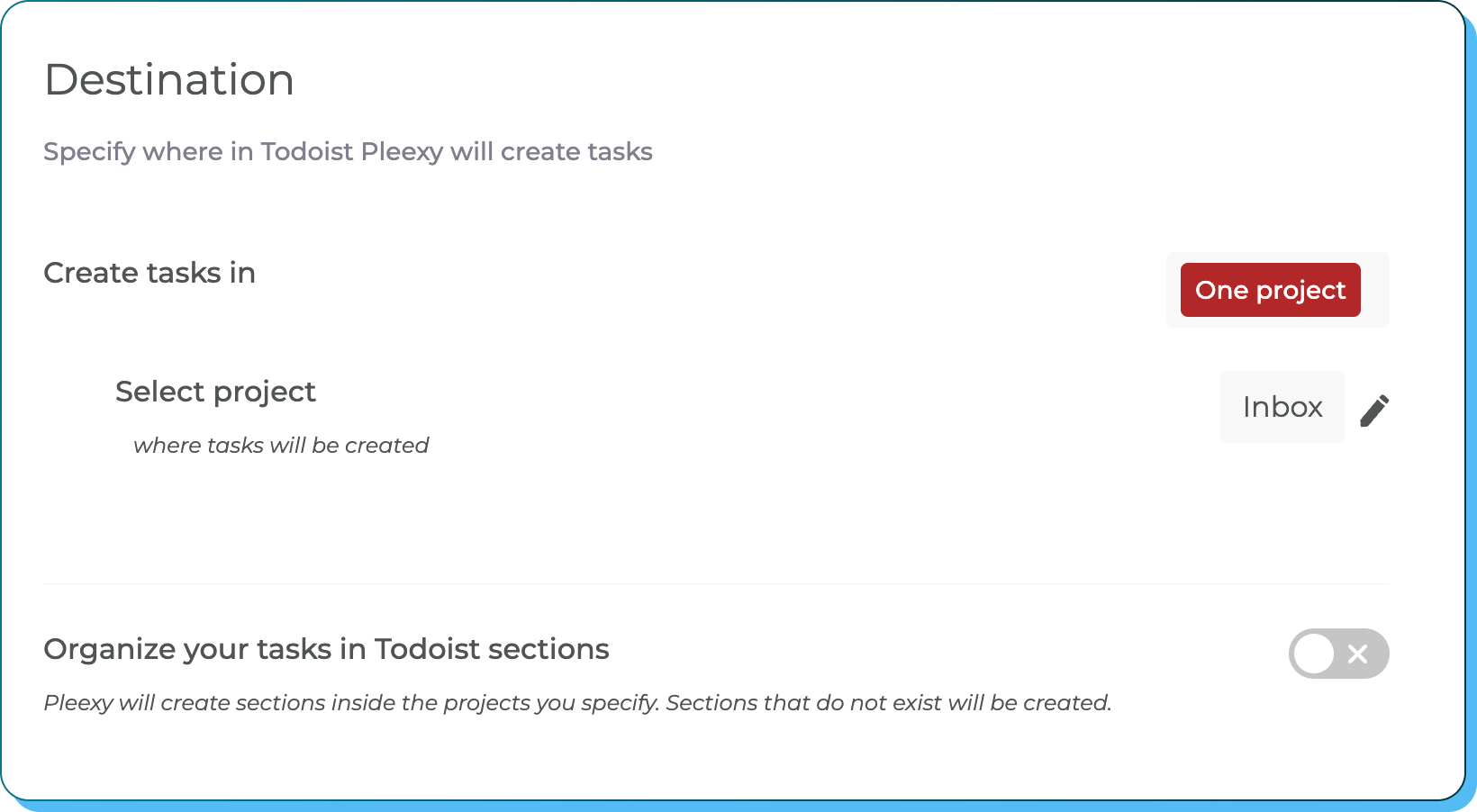
Map Zendesk views to specific Microsoft To Do lists and organize support-based tasks to match your Microsoft ecosystem workflow and enterprise preferences.
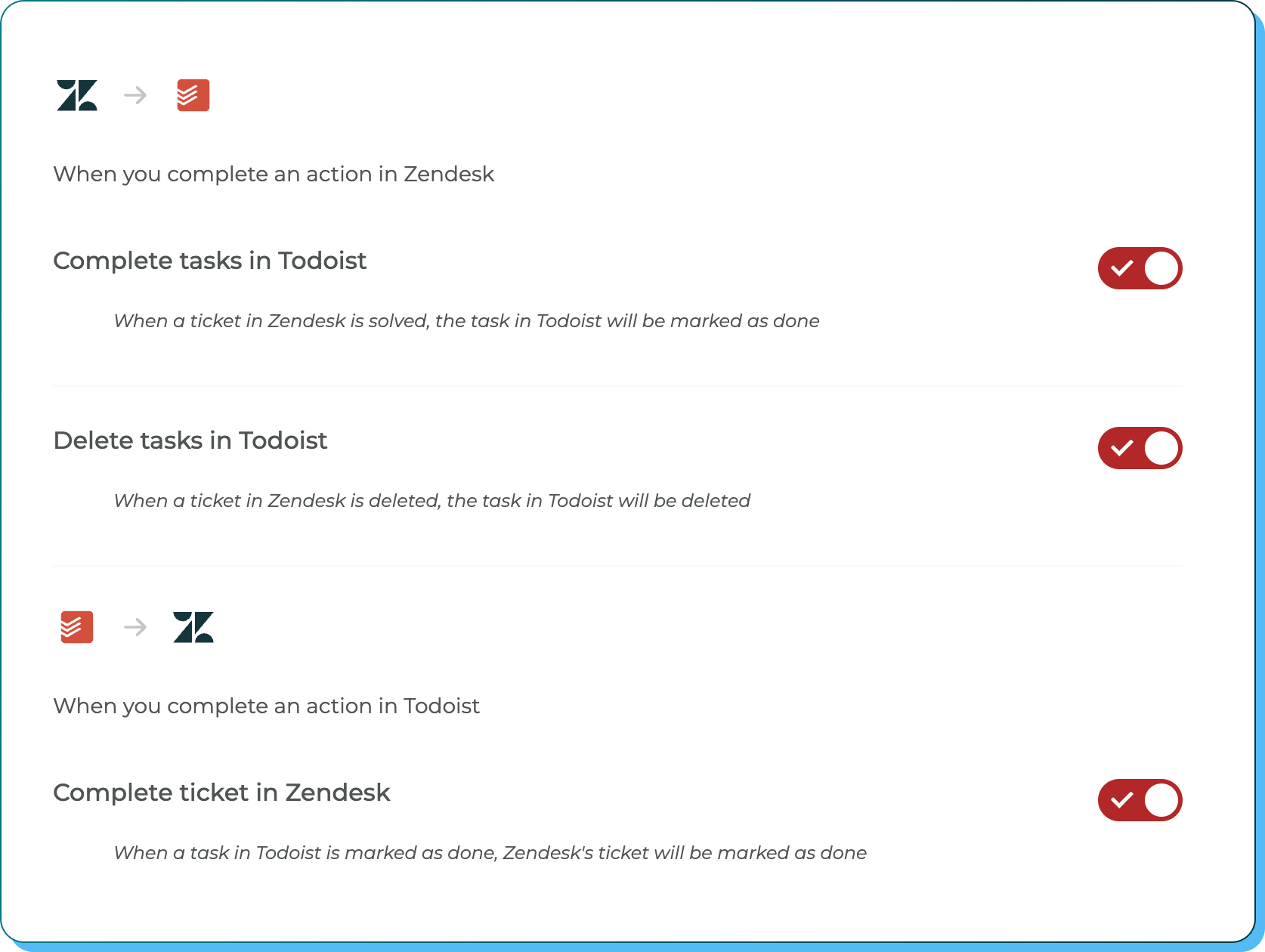
Control completion syncing, status updates, comment handling, importance mapping, and how Zendesk ticket changes affect your Microsoft To Do workflow.
Transform your customer support into Microsoft productivity excellence
No credit card required · Save hours every week.

Bridge comprehensive support tracking with Microsoft's intelligent productivity
You manage customer tickets in Zendesk but struggle to integrate support assignments into your Microsoft ecosystem, causing important follow-ups to get disconnected from Outlook and Teams.
You waste time manually copying Zendesk tickets into Microsoft To Do, often losing customer context, priority information, or missing critical updates and escalations.
Your customer support management exists separately from your Microsoft productivity workflow, making it difficult to leverage ticket work within Outlook, Teams, and other Microsoft tools.
Your Zendesk ticket assignments automatically appear in Microsoft To Do, creating seamless integration with Outlook, Teams, and your entire Microsoft productivity ecosystem.
Support-based tasks flow into Microsoft To Do with complete customer context preserved, including priorities, ticket details, and customer relationships for informed Microsoft execution.
With ticket assignments integrated into Microsoft To Do, you can manage customer responsibilities within your Microsoft workflow while maintaining connection to comprehensive Zendesk tracking.
This integration creates a seamless bridge between Zendesk's comprehensive ticket management and Microsoft To Do's intelligent task execution. Pleexy automatically converts your Zendesk tickets and assignments into structured Microsoft To Do tasks while preserving customer context, priority levels, and ticket relationships.
Once connected, your Zendesk ticket assignments appear in Microsoft To Do where you can manage them alongside other Microsoft productivity tools like Outlook and Teams. You can customize which tickets and views sync and how they're organized within your Microsoft workflow.
Complete control! Pleexy offers comprehensive filtering options including Zendesk views, organizations, ticket types, statuses, or assignee. Set parameters to sync only the support tickets that are relevant to your Microsoft To Do workflow.
Pleexy maintains an automatic synchronization between Zendesk and Microsoft To Do. When you complete a task in Microsoft To Do, the corresponding Zendesk ticket is updated, and vice versa. Due to API communication, sync typically happens within a few minutes rather than instantly—but it's completely automatic, so you never have to manually update anything. Your support tracking and personal execution systems stay aligned without the busywork.
Your free trial provides complete access to all Pleexy features for 14 days, no credit card required. If you don't subscribe before the trial ends, your connections will be paused for 2 weeks, after which your data will be removed from our platform.
We offer a 30-day money-back guarantee. If you're not satisfied within 30 days of your first purchase, contact our support team through the in-app chat for a full refund according to our refund policy.

No credit card needed. Choose your task manager to begin.
By signing up, you agree to Pleexy's Terms of service.
Already have an account? Log in


