Task Detection
Pleexy automatically identifies tasks in your Notion databases and pages.

Transform your Notion workspace into an efficient task management system by connecting it directly with Microsoft To-Do. Seamlessly sync tasks, deadlines, and updates within your Microsoft 365 environment.
No credit card required - Sync tasks in minutes.
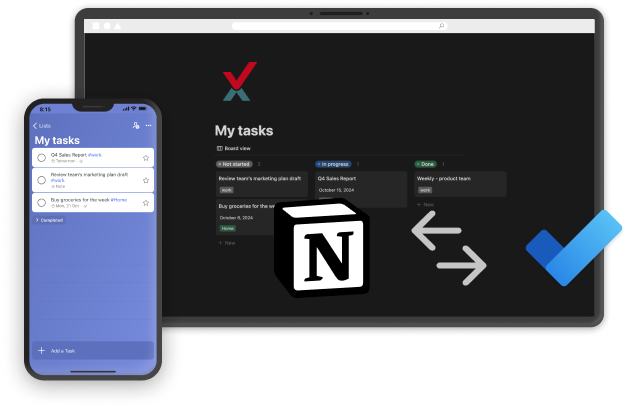
Pleexy automatically identifies tasks in your Notion databases and pages.
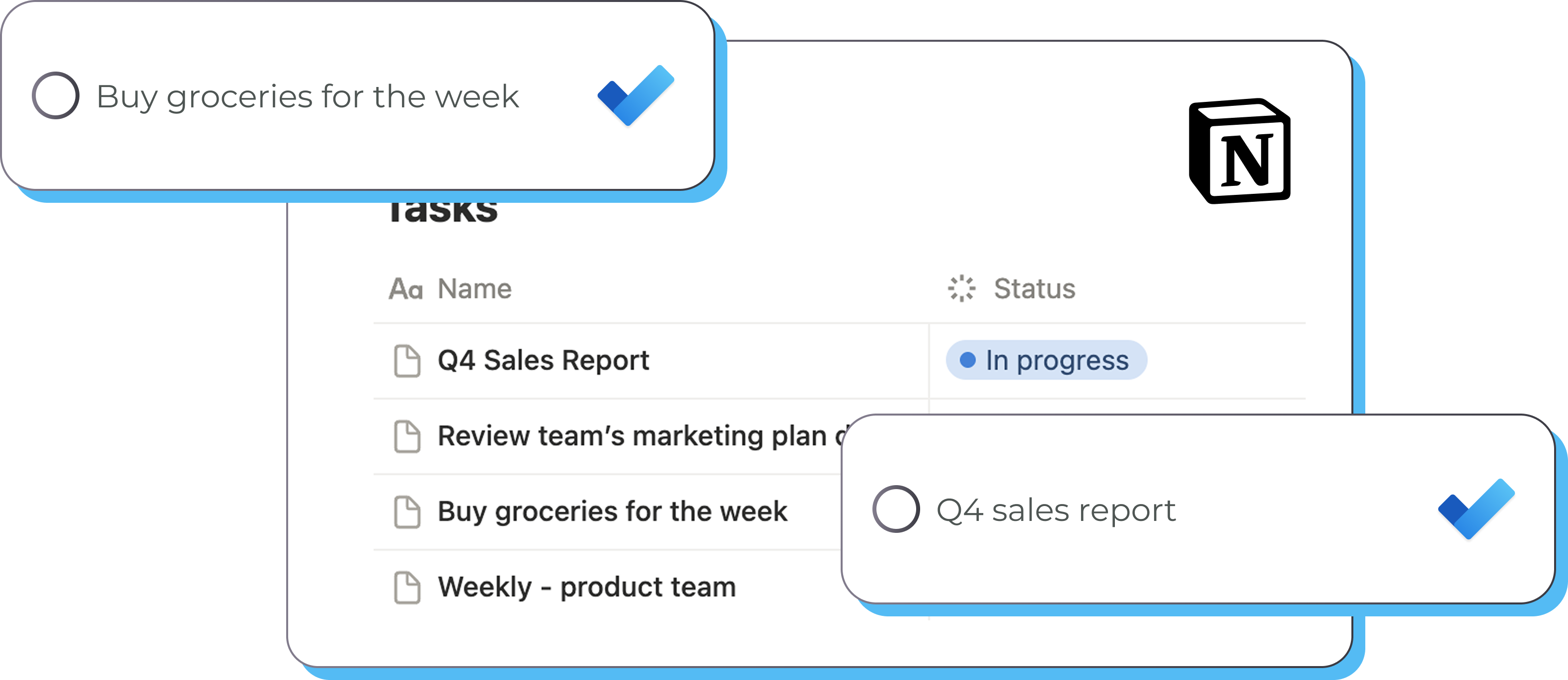
Each Notion item is converted into a Microsoft To-Do task with all relevant details.
Changes in either platform are reflected in real-time within your Microsoft 365 environment.
Define which Notion items should sync to Microsoft To-Do and how they should appear in your lists.
"I've been using Pleexy to sync tasks between Notion and Todoist for about a month, and it's been working great."
Abbas Jaffar A. · Trustpilot
Simplify your workflow in just a few steps
1
Connect your Microsoft To Do account with Pleexy
2
Link your Notion Workspace
3
Select your Notion database and items to sync
4
Enjoy effortless task syncing and a clutter-free mind
How does Pleexy connect Notion and Microsoft To Do?
No credit card required · Set up in 10 minutes.
Choose one or multiple databases and pages.
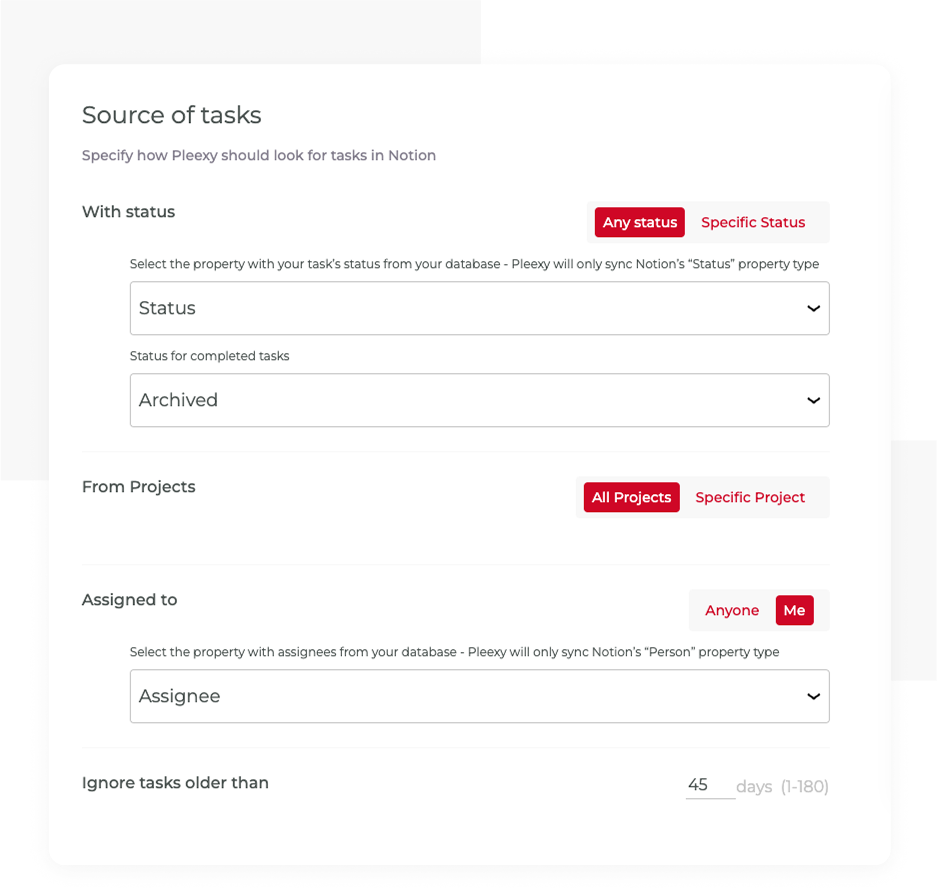
Filter by status, assignee, or specific projects. You can also set an age limit to ignore older synced tasks.
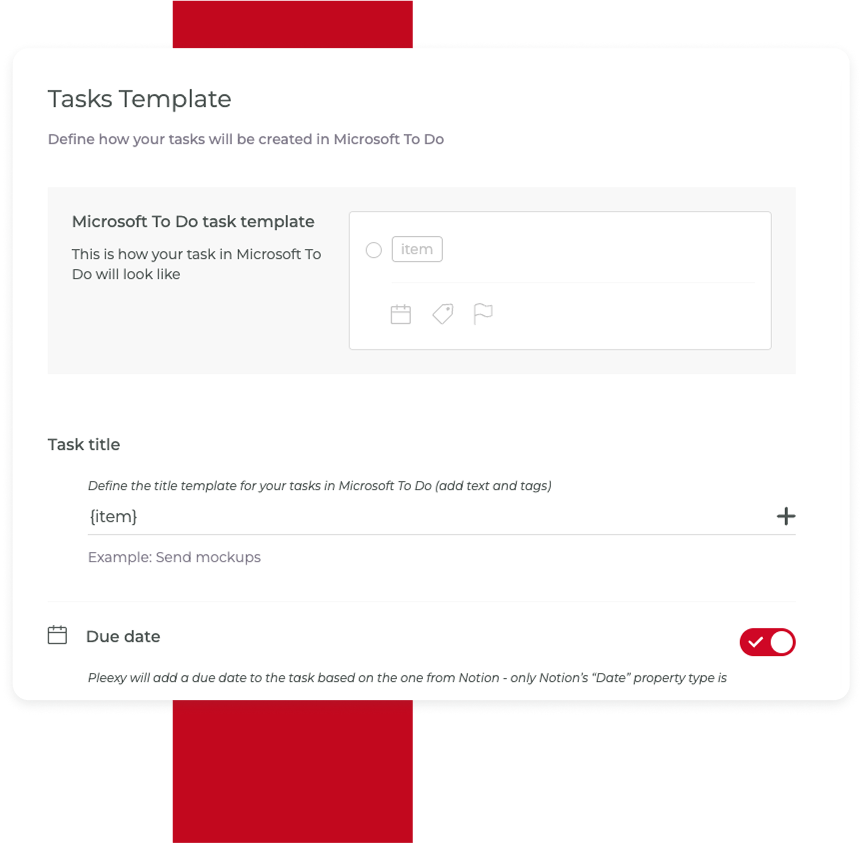
Set the title template, due date, labels, note, and priority.
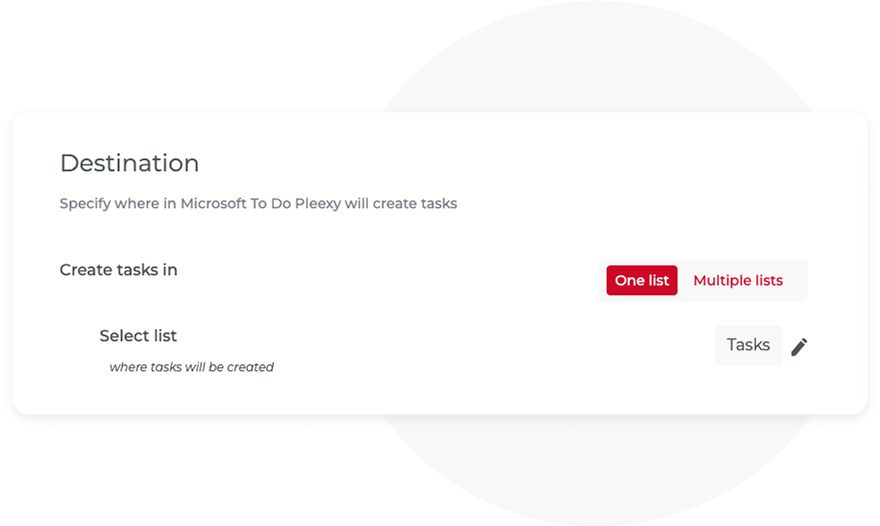
Add them to one or multiple lists.
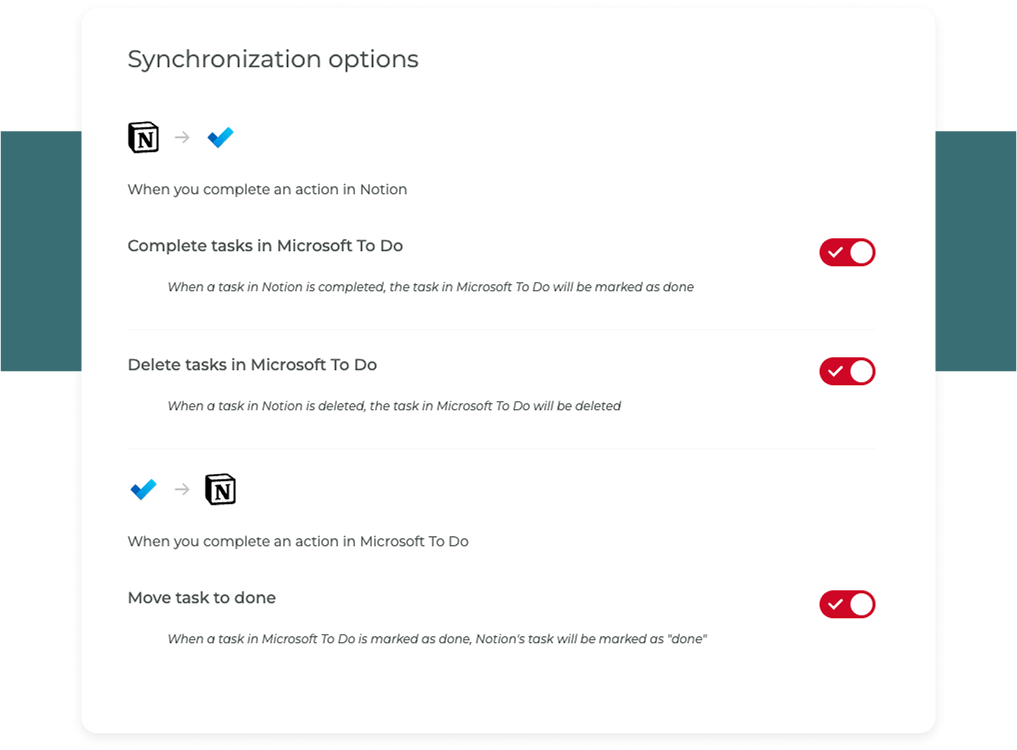
Choose to sync completion from Microsoft To Do, deletion in both directions, or when a card is moved in Notion.
No More Switching Between Apps! Pleexy Handles the Syncing for You
No credit card required · Save hours every week.
Stop wasting time double-checking your task lists
You struggle to sync tasks between Notion and Microsoft To Do, constantly switching between your devices.
You waste precious time by manually duplicating tasks across both.
You experience difficulties keeping track of all tasks, leading to inefficiencies and missed deadlines.
Your tasks from Notion and Microsoft To Do come together in both places. No more switching back and forth—everything is organised and easy to manage, making your life a lot simpler.
You don’t have to worry about keeping everything updated, Pleexy does it for you. It’s a true “set it and forget it” tool that helps you stay on top of things without extra effort.
With your tasks organized, you’ll feel more productive and in control. Pleexy helps you get things done faster, so you have more time to focus on what really matters, whether it’s family, work, hobbies, or simply enjoying your day.
This connection allows you to sync tasks between Notion and Microsoft To Do. With Pleexy, you can automatically pull tasks from Notion into Microsoft To Do and keep them synced, ensuring you have all your to-dos in one place. It simplifies task management, letting you focus on your work without needing to manually update tasks across both apps.
Once you connect Microsoft To Do and Notion using Pleexy, tasks can be synced automatically between the two apps. You can customize which tasks are synced, how and where updates from one app are reflected in the other.
No, but it's something we have in our radar. If you're interested in this, please add your vote to this feature request in our feedback portal.
Yes! Pleexy gives you full control over which tasks get synced. You can set up filters to sync only specific projects or tasks that meet certain conditions. This ensures your workspace remains organized without syncing irrelevant tasks.
You'll get full access for 14 days to test our product, no credit card required. If you haven't updated to one of our subscriptions by then, all your connections will be paused for 2 weeks, and after that all your data will be removed from our platform.
Yes! If you cancel your subscription within 30 days of your first purchase, you are eligible for a full refund in accordance with our refund policy. To receive a refund, please contact our support team via in-app chat.

No credit card needed. Choose your task manager to begin.
By signing up, you agree to Pleexy's Terms of service.
Already have an account? Log in


